Control your phone with a switch.
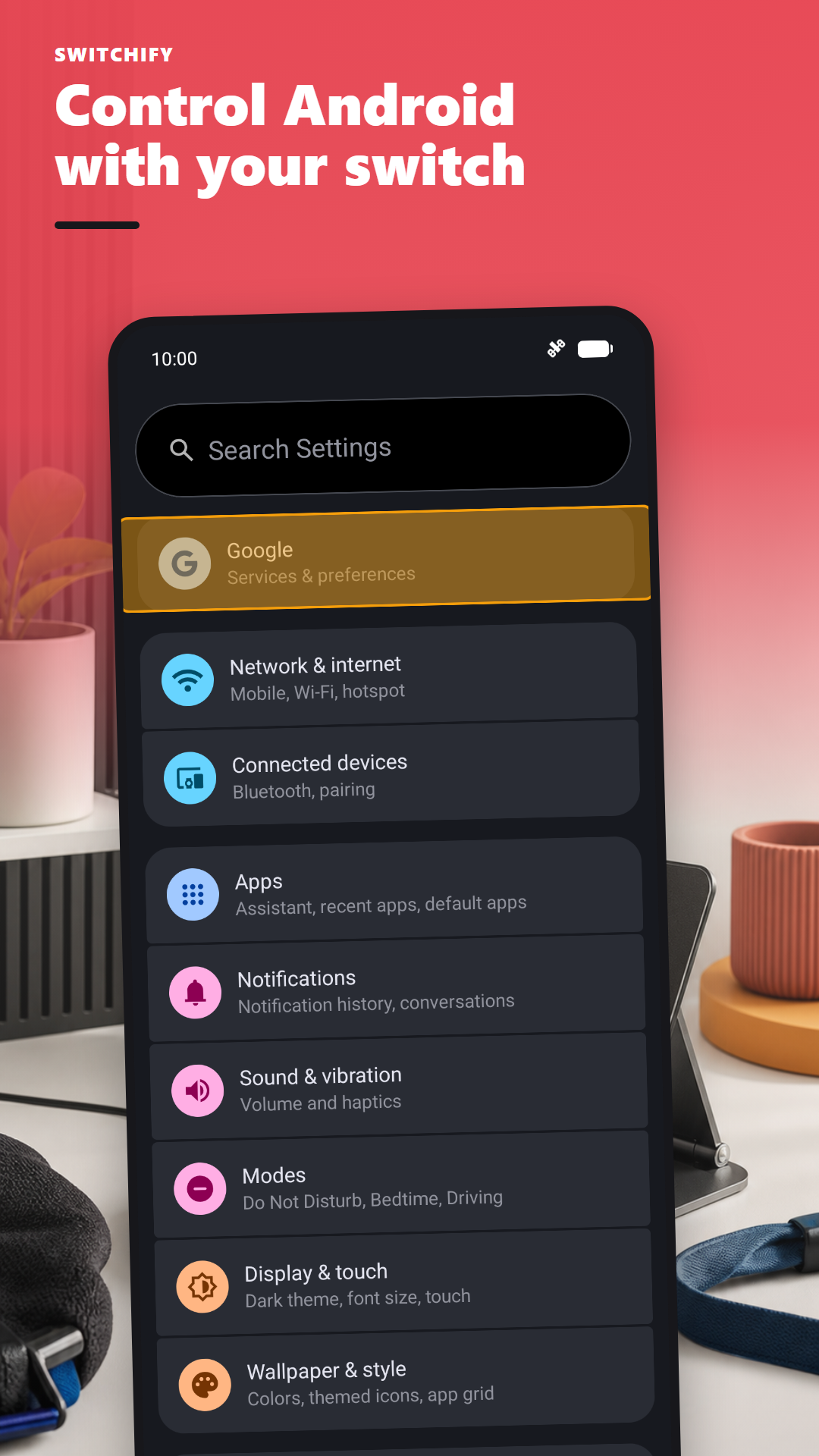
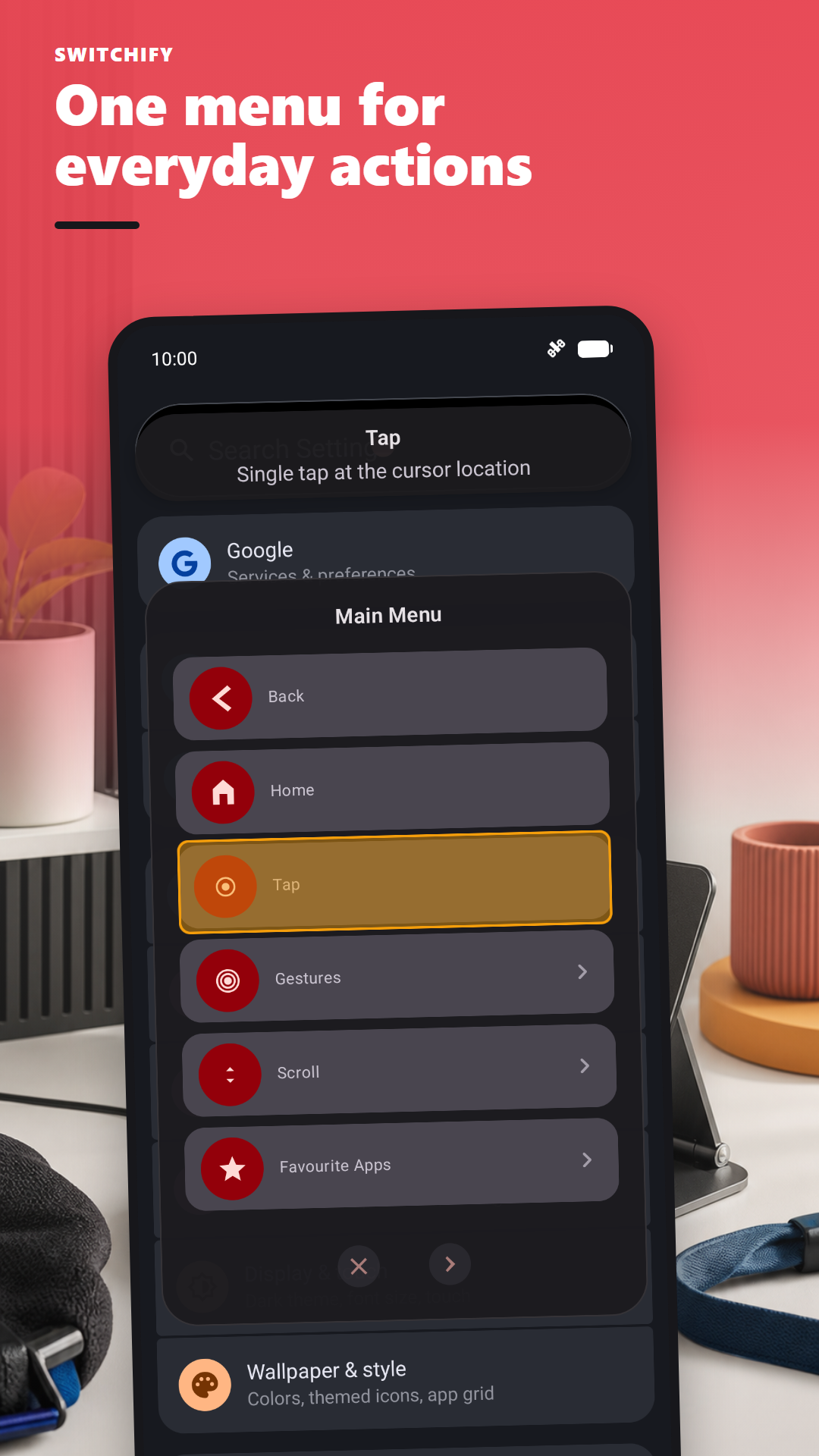
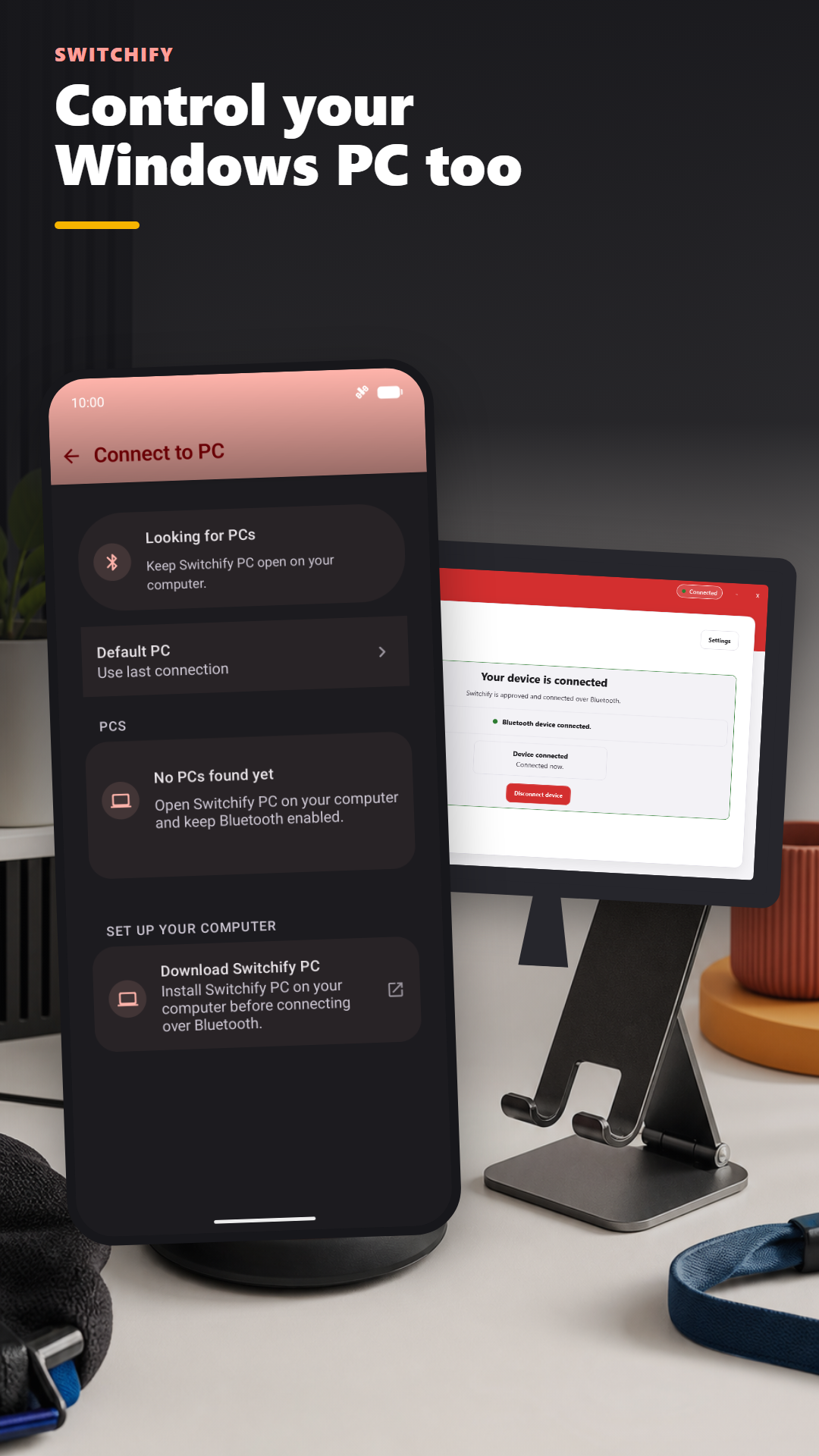
Switchify lets you use an Android phone or tablet without touching the screen, and can pair with Switchify PC to control Windows too.
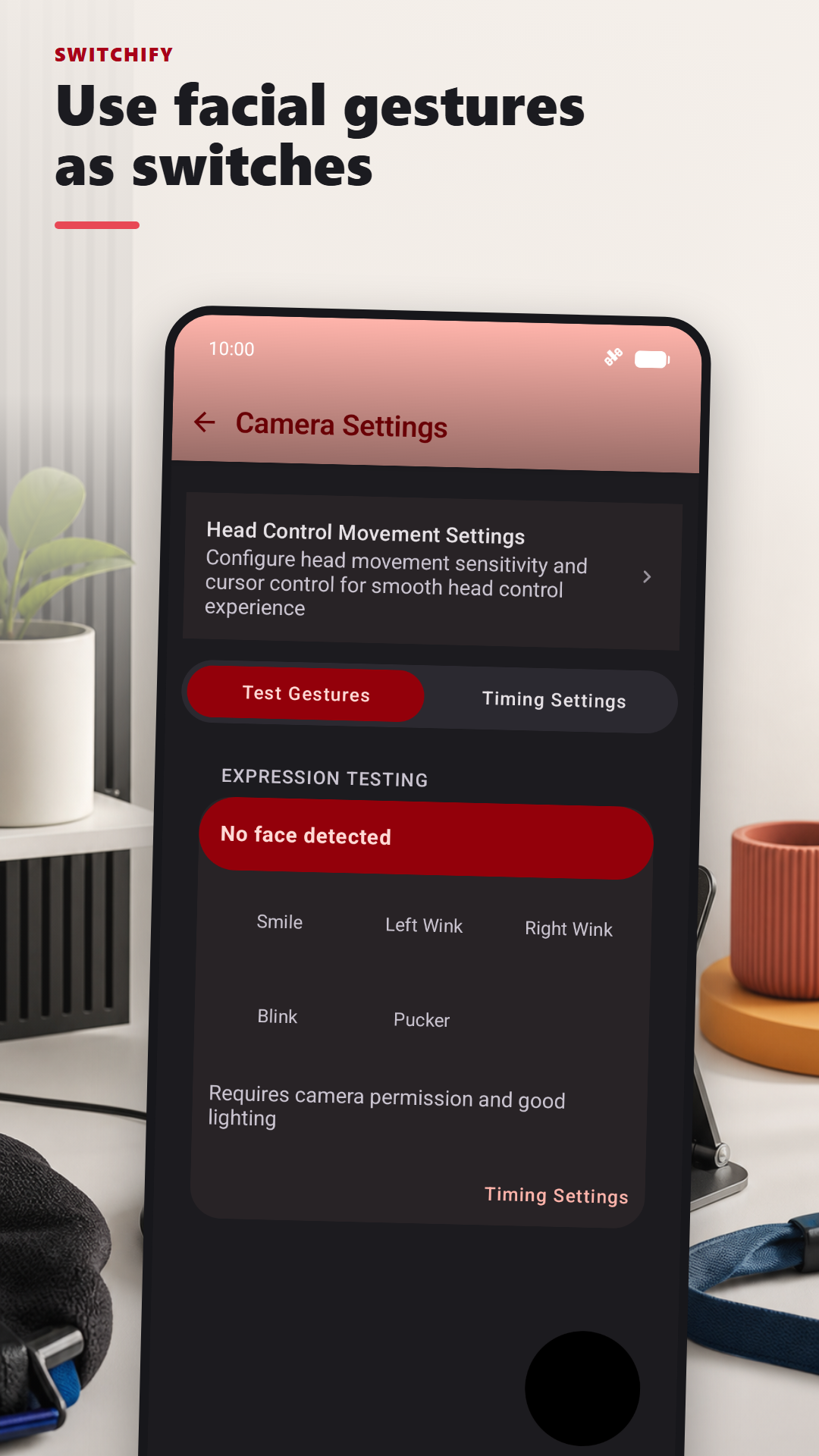
Connect one or more switches — a button, a head switch, a sip-and-puff, a smile, a wink — and Switchify gives you everything the touchscreen would: tapping, typing, scrolling, gestures, the lot.

Where to start
If you use a switch
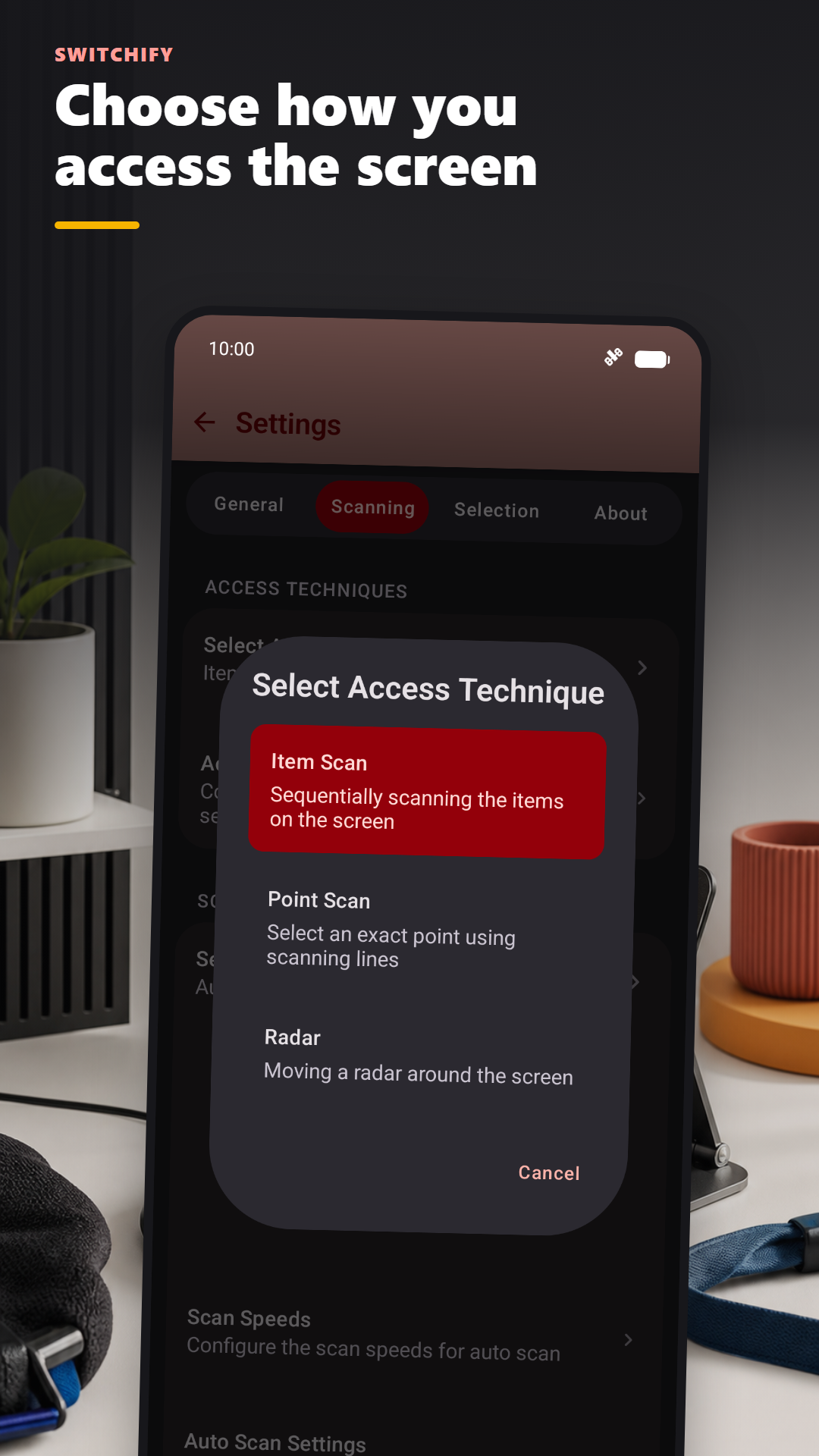
Start with Get started. It walks you through installing Switchify, granting accessibility permission, and choosing a way of selecting that fits how you move.
If you're an AT professional
For professionals covers what makes Switchify different from Switch Access by Google, how to evaluate it with clients, and how to get a free promo code for your practice.
If you're a parent, teacher, or carer
The FAQ has plain answers to the things people usually ask before downloading. How it works explains, in plain English, what the app actually does.
What it's like to use
Imagine you want to send a text message. With Switchify running, you press your switch once. A thin line begins moving down the screen. When it's over the row containing the Messages app, you press your switch. A second line moves sideways across that row. You press again when it reaches the Messages icon. Messages opens.
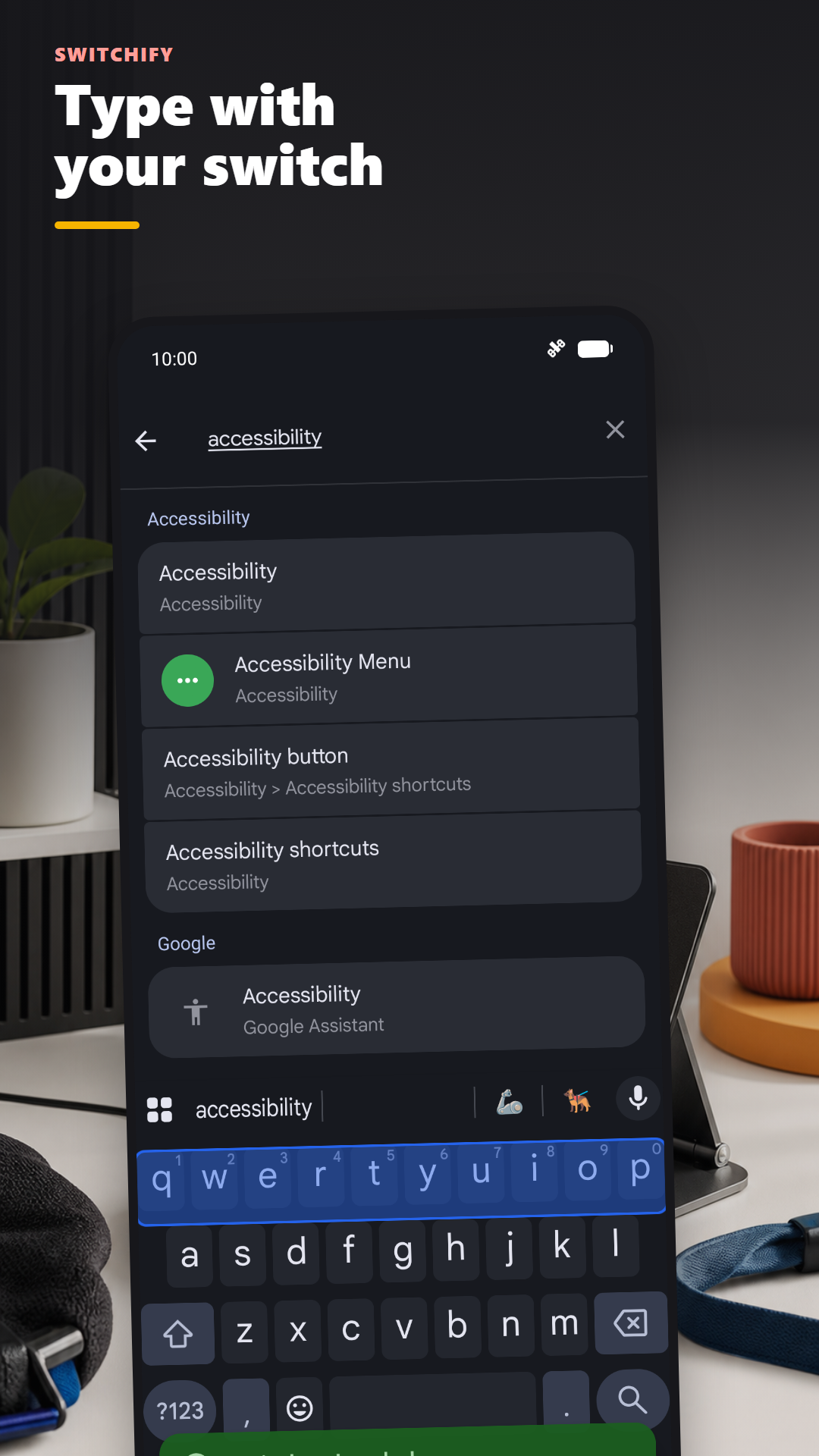
You pick the conversation the same way. The keyboard appears. The keys scan in groups, then row by row, then key by key. You write your message. You send it.
Everything you can do by tapping the screen, you can do with one switch.
See Switchify in action
Switchify adapts to how you move, from a single physical switch to facial gestures and PC control.
Control your PC too
Switchify PC is the Windows companion app. Pair over Bluetooth from Switchify Android, then move the pointer, click, drag, scroll across monitors, type live with keyboard predictions, use PC keys and shortcuts, and control media or windows.
PC Switch Control can also send presses and releases from up to eight external switches directly to Windows, with built-in profiles for Grid 3 and a generic keyboard plus fully custom mappings.
Built by someone who uses it
Switchify is built by Owen McGirr — a developer in Donegal, Ireland, who has cerebral palsy and has spent most of his life using switches to control computers. He started Switchify because nothing he tried felt right. Read why.
Get Switchify
Switchify Android is free on the Google Play Store. The free version gives core switch access for one hour at a time, restartable as often as you like. Switchify PC is a free Windows companion download.
Open source under the AGPL-3.0: Android source and PC source on GitHub.